Sending Invoices with iDEAL or Wero — Get Paid Faster as a Freelancer (2026)
Everything about payment links on invoices: how iDEAL and Wero work, how to connect Mollie, and why payment links reduce payment delays.
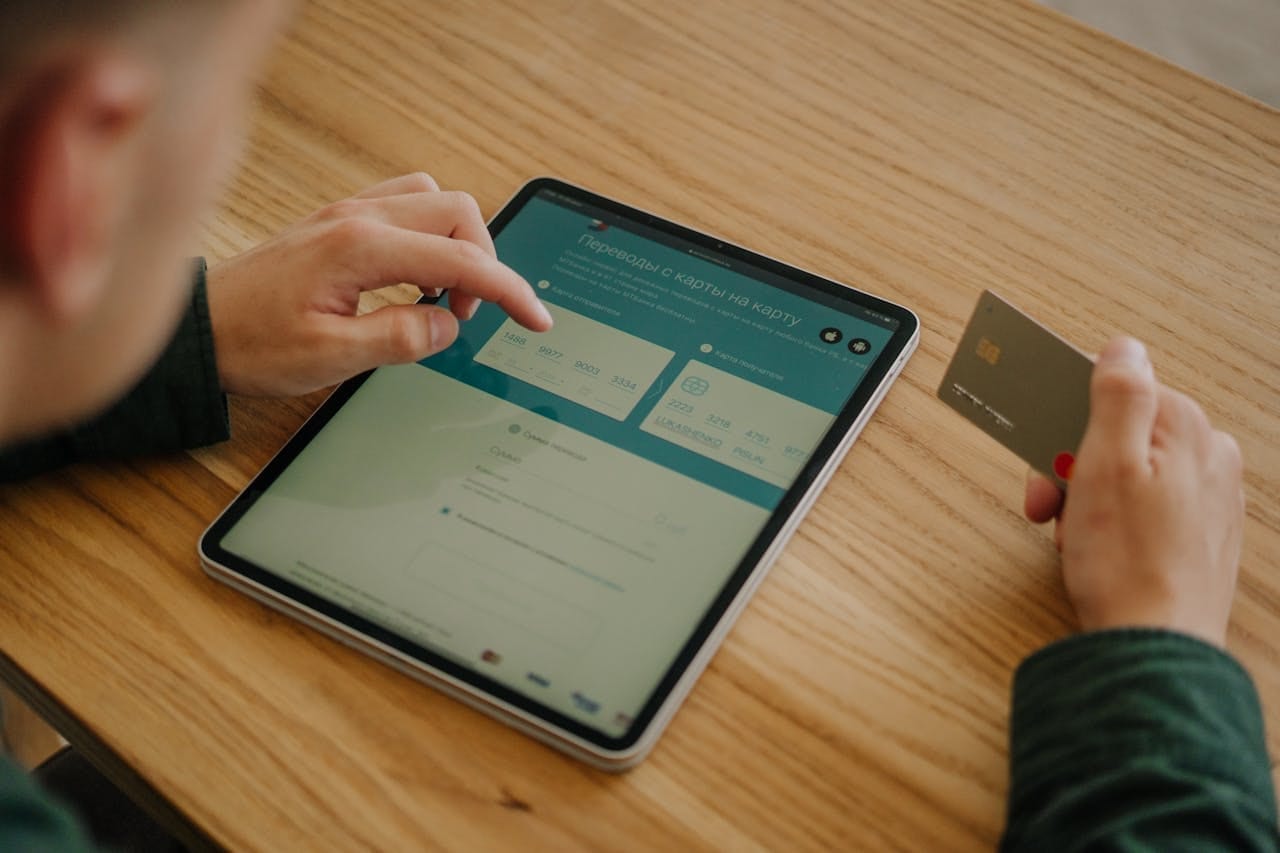
Waiting for manual bank transfers is one of the most frustrating parts of freelancing. You send the invoice and then wait, with no certainty about timing.
A payment link on your invoice removes friction: your client clicks, chooses a bank, and pays in seconds. No manual IBAN entry, no searching for old invoices.
This article explains how iDEAL and Wero payment links work, how to set them up with Mollie and Declair, and how they help you get paid faster.
Why manual transfer delays payment
Without payment links, many freelancers are paid after 30-45 days. Not because clients refuse to pay, but because manual transfer creates friction.
Payment links reduce that friction:
- No IBAN typing
- No copy-pasting invoice references
- Direct handoff to banking app
- Instant confirmation for both sides
Freelancers using payment links are paid on average 11 days faster.
Two payment methods for Dutch freelancers
iDEAL — Dutch default
iDEAL is the most-used online payment method in the Netherlands and supported by nearly all major Dutch banks.
For freelancers with mostly Dutch clients, iDEAL is usually the best option: familiar, fast, and low-cost.
Wero — European alternative
Wero is a newer cross-border payment network launched by major European banks.
If you invoice clients outside the Netherlands, Wero can be a strong addition because clients in multiple EU countries can use a familiar local flow.
| iDEAL | Wero | |
|---|---|---|
| Countries | Mainly Netherlands | Multiple EU countries |
| Best for | Dutch clients | International EU clients |
| Instant payment | Yes | Yes |
| Typical fee via provider | Low | Comparable |
What does it cost?
Declair does not charge transaction fees.
You only pay your payment provider (Mollie), for example:
| Payment method | Fee per transaction |
|---|---|
| iDEAL | EUR 0.29 |
| Credit card | 1.8% + EUR 0.25 |
| Wero | Comparable to iDEAL |
Mollie has no mandatory monthly subscription for basic usage.
Setup in 4 steps
Step 1 — Create a Mollie account
Go to mollie.com and register. Verify your company details.
Step 2 — Copy your API key
In Mollie, go to Developers → API keys and copy your live_ API key.
Step 3 — Connect Mollie in Declair
Open Settings → Payments in Declair, paste the key, and test the connection.
Step 4 — Send your first invoice with payment link
Once connected, each invoice can include:
- A payment button in the invoice email
- A link and QR code on the PDF invoice
What your client sees
When your client clicks the payment button, they open a secure hosted payment page with:
- Amount due
- Your company name/invoice context
- Enabled payment options (iDEAL, Wero, card, etc.)
The page is mobile-friendly and supports direct app-based bank authorization.
Combine payment links with automatic reminders
Payment links are even more effective when reminders re-send them automatically.
| Reminder | Timing | Tone |
|---|---|---|
| Friendly reminder | 3 days before due date | Informative |
| First overdue reminder | 7 days after due date | Neutral |
| Second overdue reminder | 14 days after due date | More formal |
| Final reminder | 30 days after due date | Formal/legal |
Each reminder includes the payment link, so clients can pay instantly.
If payment still does not arrive, follow this guide: Unpaid Invoice — What Now?.
Add payment links to already-sent invoices
If you sent an invoice without payment link, you can still add one:
- Option 1: Resend from Declair after Mollie connection
- Option 2: Copy the payment link and send it by email or chat
Common mistakes
Keeping Mollie in test mode
Make sure you switch from test_ to live_ keys before going live.
Enabling only iDEAL for international clients
For non-Dutch clients, add Wero and/or card options.
Not testing the payment flow
Run at least one full test to verify status updates and notifications.
Summary
Adding iDEAL or Wero payment links is one of the fastest ways to reduce late payments. Setup takes minutes, transaction fees are low, and invoices become easier to pay.
For Dutch clients, iDEAL is typically the strongest default. For broader EU clients, combine iDEAL with Wero.
Connect Mollie and send your first invoice with payment link →
Frequently Asked Questions
How much does an iDEAL payment cost?
Typically EUR 0.29 via Mollie; Declair adds no transaction fee.
Can clients pay without iDEAL?
Yes, if you enable other methods like card and Wero.
Can I add a payment link to an existing invoice?
Yes. Resend the invoice or share the generated link directly.
Do payment links work on mobile?
Yes. They are mobile-optimized and can open directly in a banking app.
Also read: How to Invoice as a Freelancer in the Netherlands and What Must Be on an Invoice.
Ready to get started?
Start today with Declair and save hours on your administration.